20 Etsy Thumbnail Mockup Ideas and Uses
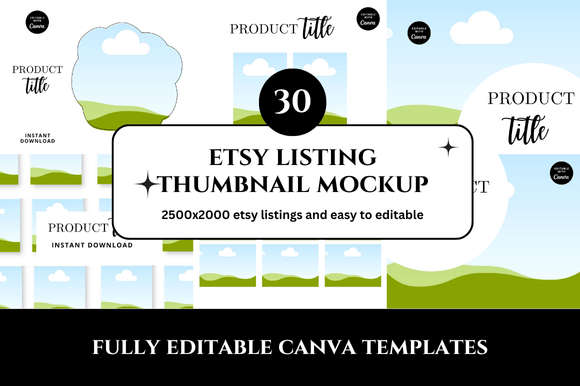
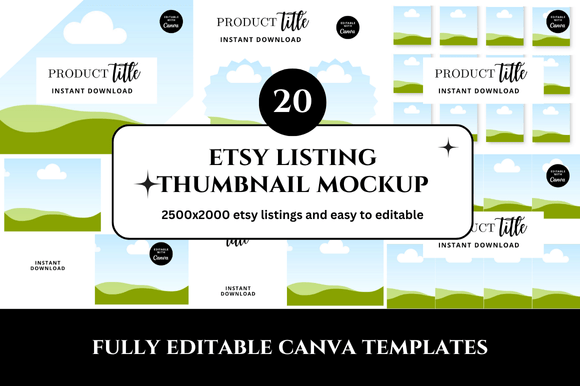
When you run an Etsy shop, the first thing a potential buyer sees is your thumbnail. It’s the tiny image that appears in search results, category pages, and recommendations. A strong thumbnail can mean the difference between a click and a scroll past. That’s where a resource like a 20 Etsy thumbnail mockup set becomes genuinely useful. Instead of starting from scratch for every listing, you get a collection of pre-designed templates that make your shop look cohesive, professional, and inviting.
But a mockup set is not just a time-saver. It’s also a creative tool. With twenty different layouts and styles at your disposal, you can experiment with composition, color, and messaging without committing to a full photoshoot. Whether you sell handmade jewelry, digital prints, or home decor, these templates give you a foundation you can adapt again and again.
Why a 20-Pack Mockup Set Works So Well
Having twenty distinct thumbnail mockups means variety without chaos. You can assign different templates for different product categories, seasonal promotions, or brand collections. The number itself is manageable—not so few that you run out of options, and not so many that you feel overwhelmed. A well-designed 20-pack will typically cover a range of angles: flat lays, centered product shots, lifestyle scenes, and framed compositions.
The real value lies in consistency. When every listing in your shop uses the same mockup style with subtle variations, your store feels curated. Shoppers subconsciously trust a cohesive brand. A 20 Etsy thumbnail mockup set helps you achieve that look even if you have no graphic design background.
Showcase Product Variations Without Confusion
If you sell the same item in multiple colors or sizes, you can use different mockups to highlight each variation. For example, use a centered product mockup for color A and a lifestyle shot for color B. The thumbnail itself becomes a visual indicator of what’s inside the listing. This approach reduces the need for buyers to read the title carefully—they already know which version they clicked on.
Build Seasonal Collections
Think of each mockup as a blank canvas for seasonal updates. For a winter holiday season, you might use mockups with subtle snowflake overlays or warm lighting. For spring, switch to pastel backgrounds or outdoor scenes. Since you already have the templates, adapting them takes minutes. Your shop looks timely without requiring a complete redesign every few months.
Test Different Thumbnail Styles on the Same Product
Etsy allows you to change thumbnails at any time. Use the 20 mockup set to create multiple thumbnail versions for your best-selling item. Upload one today, measure the click-through rate over a week, then swap to a different mockup. This simple A/B testing can reveal which composition—close-up, full product, or contextual scene—resonates most with your audience.
How Different Creators Can Adapt the Mockups
For designers and illustrators: Your thumbnails don’t need to show the product in a realistic setting. Use mockups that frame your art as a printable or pattern. A clean white background with a subtle shadow keeps attention on the design itself. You can also place your artwork inside a mockup of a frame or a phone case to make it feel more tangible.
For handmade sellers: If you craft physical items like candles, soaps, or ceramics, lifestyle mockups work best. Choose templates that include hands holding the product, natural surfaces like wood or stone, and soft lighting. The 20-pack likely includes a few such scenes. Use them to convey texture and warmth.
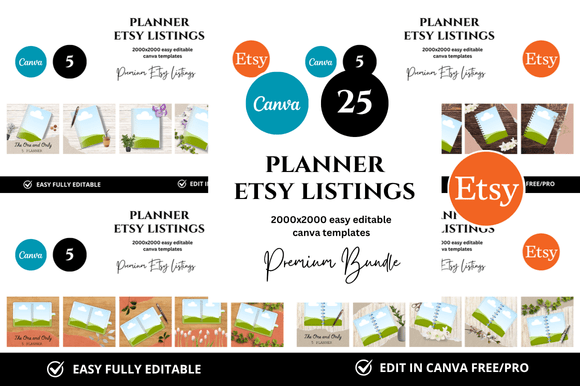
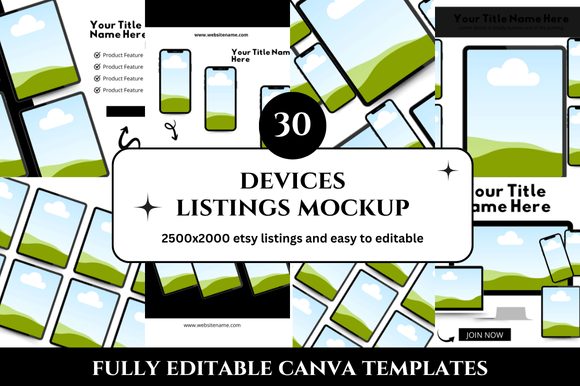
For digital product creators: Planners, fonts, and templates benefit from mockups that show the product on a device or desk setup. A mockup with an iPad or laptop screen helps buyers visualize how they’ll use your digital file. Several templates in a 20-set usually focus on screen-based displays. Keep the background uncluttered so the user interface remains clear.
For vintage and craft supplies sellers: Collages and stacked arrangements can make your thumbnails look more interesting. Choose mockups that allow multiple products in one shot. A flat lay template is ideal for grouping several similar items—like a set of vintage postcards or a bundle of fabric scraps.
Practical Tips for Keeping Thumbnails Effective
- Prioritize clarity. The main product should occupy at least 60% of the thumbnail area. Avoid decorative elements that compete for attention. A busy thumbnail gets ignored.
- Use consistent lighting and colors. If the mockup set includes different background tones, pick one or two and stick with them across your shop. A consistent color palette reinforces brand recognition.
- Keep text minimal. Some mockups have space for a short label like “Gold” or “Set of 3.” Use it sparingly. Too much text becomes unreadable at thumbnail size.
- Check how they look in search results. After you create a few mockups, view your shop from a mobile phone. Many buyers shop on small screens. If an element disappears or becomes too small, simplify the design.
- Resize and export correctly. Etsy recommends a 4:3 aspect ratio. Most professional mockup sets are built with this ratio, but double-check before uploading. Pixelated or stretched images hurt credibility.
Real Examples: Thumbnail Mockups in Action
Imagine a small jewelry shop specializing in minimal silver rings. The owner uses three mockups from a 20-pack: one showing the ring on a ceramic dish, one on a hand with neutral polish, and one floating on a dark background. Each variation corresponds to a different ring style. The cohesive framing makes the collection feel premium, even though each photo was taken with the same mockup foundation.
Now consider a stationery seller offering printable invitation sets. They pick a mockup that places their design on an iPad screen beside a calligraphy pen. For a different listing, they use a flat lay mockup that shows the invitation, envelope, and wax seal. Both thumbnails clearly communicate the product type, and the buyer immediately understands what they’re getting. No guesswork needed.
Maintaining Originality While Using Templates
One concern with mockup packs is that other sellers might use the same templates. That’s why customization matters. Swap the background color, change the shadow direction, or overlay your own texture image. Even small adjustments can make the mockup feel uniquely yours. If the set comes as layered files, take advantage of those layers to inject your brand identity.
You can also combine elements across different mockups. Take the lighting from one template and the composition from another. Many modern mockup packs are built modularly, so you can mix and match props, surfaces, and shadows. The goal is to build a set of thumbnails that looks like a unified line, not a generic template.
Organizing Your Mockup Workflow
To keep everything efficient, name your mockup files based on the category or product type. For example, “BW01 – jewelry flat lay” and “BW02 – necklace on model.” Store the edited thumbnails in a folder that syncs to the cloud. When you list a new item, you can pull the most appropriate mockup, drop in your product photo, and upload within minutes.
You might also create a simple style guide that notes which mockup works best for which product dimension. Over time, you’ll develop a rhythm. The 20-pack becomes your standard operating system for listing images, freeing you to focus on making or sourcing products rather than wrestling with design software.
Choosing the Right Mockup Set for Your Shop
Not all 20 Etsy thumbnail mockup packs are created equal. Look for sets that match the aesthetic of your brand. If your shop leans rustic and natural, choose mockups with wood textures and warm light. If your brand is modern and bold, look for mockups with stark contrasts and clean lines. Most designers who sell these packs provide previews that let you see the full range. Take your time to review them before buying.
Also consider file format. Layered PSD files are great if you know your way around Photoshop, but many sets now offer templates for Canva, making them accessible to everyone. Even if you’re not a design pro, you can still produce professional thumbnails by dropping your images into the designated placeholders.
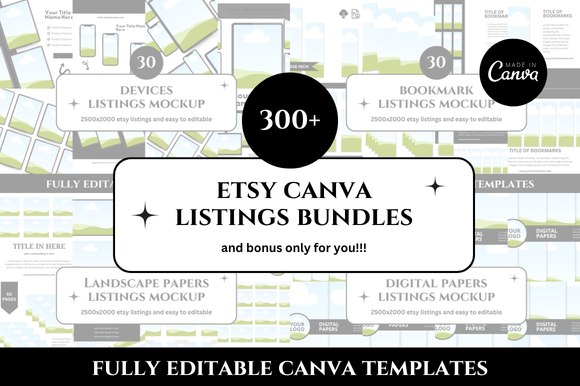
Finally, think about scalability. A 20-pack is perfect for starting out, but if your catalog grows beyond twenty products, you may want a secondary set for variety. Some creators build a library of mockups from multiple packs and rotate them based on product updates. The initial 20-pack remains your core, and supplementary sets expand your visual language.
A 20 Etsy thumbnail mockup resource isn’t about shortcuts—it’s about consistency and creativity. When you have the right templates, you can spend less time on formatting and more time on making your products stand out. Whether you’re launching a new shop or refreshing an existing one, these mockups give you a repeatable system that elevates your entire storefront.