Printables, Etsy, Canva & Mockup Guide
If you have spent any time exploring the side-hustle world or the creative economy, you have likely noticed a recurring trio: printables, Etsy, and Canva. Throw mockups into the mix and you have the backbone of a thriving digital product strategy. I have watched this ecosystem evolve from niche forums into a mainstream opportunity, and the combination remains one of the most accessible ways to build a business, a portfolio, or even just a more organized life. The beauty is that you do not need a graphic design degree or a warehouse full of inventory. You just need a solid understanding of how these pieces fit together.
The Ecosystem Explained Simply
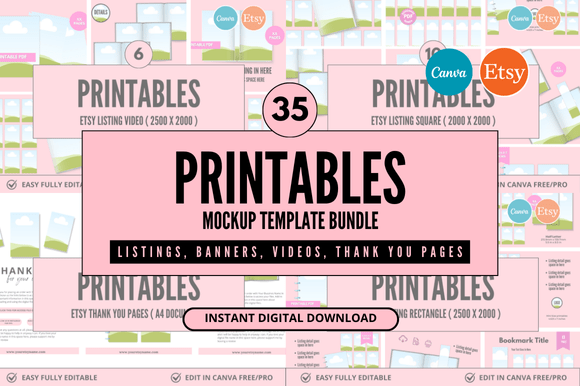
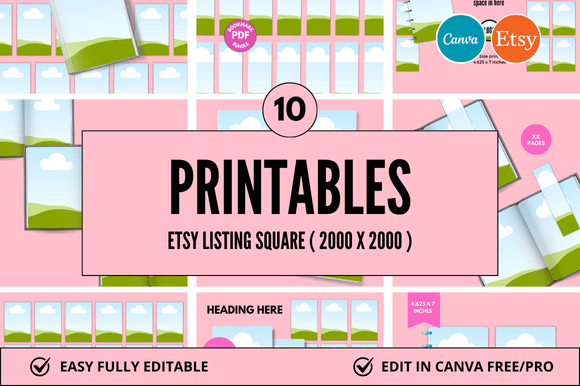
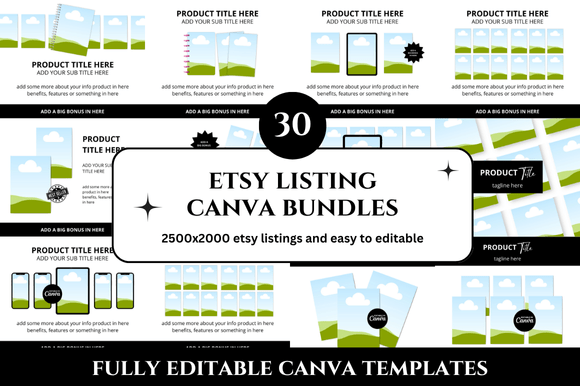
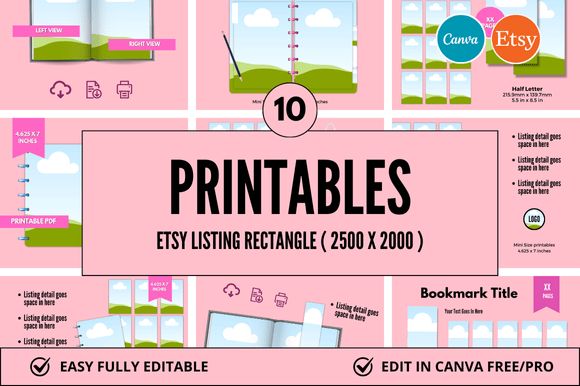
At its core, a printable is a digital file—PDF, JPEG, or PNG—that a buyer downloads and prints at home or at a local print shop. Calendars, planners, wall art, worksheets, and stickers dominate the category. Etsy is the dominant marketplace for selling these files, and Canva is the tool most creators use to design them. Mockups, meanwhile, are product-style images that show your design inside a realistic setting—like a framed art print on a wall or a planner open on a desk. The Printables Etsy Canva Mockup workflow refers to this entire pipeline: designing a printable in Canva, listing it on Etsy, and presenting it with a lifestyle mockup that helps buyers visualize the final product.
Why This Model Works So Well
I have spoken with dozens of creators who started with zero design experience and built consistent income streams within months. The reason is that the barriers are low and the tools are forgiving. Canva offers thousands of templates that you can customize in minutes. Etsy brings millions of buyers actively searching for planners, educational sheets, and home decor. Mockups close the gap between a flat digital file and something a customer can imagine owning. When you combine all three, you create a loop: design, list, showcase, sell. There is no inventory, no shipping, no returns. You upload once and earn while you sleep.
A Real-World Example: The Weekly Planner Niche
Consider a freelance writer who wants to sell a productivity planner. She opens Canva, selects a planner template, adjusts the colors to match her brand, adds her own layout tweaks, and exports a PDF. She then creates a listing on Etsy, writes a description focusing on time management benefits, and uploads a mockup showing the planner on a wooden desk next to a coffee cup and a succulent. The mockup does the heavy lifting. It signals quality, lifestyle, and utility. Without it, the listing would be just another PDF. With it, the listing feels like a product.
Key Characteristics of a Successful Setup
Not all printables sell equally, and not every mockup converts browsers into buyers. Through observation and testing, I have noticed several qualities that separate high-performing listings from the rest.
- Clean, scalable design. Printables should look good at 100% zoom and remain readable when printed in black and white. Overly busy or low-contrast designs frustrate users.
- Clear file organization. Buyers appreciate a well-named folder, easy-to-follow instructions, and multiple file formats when appropriate (PDF for print, PNG for digital use).
- Honest mockup staging. A mockup should match the actual product. Using a mockup of a gold-framed print when you sell an unframed digital file creates returns and negative reviews.
- Consistent branding across listings. If a customer buys two different printables from the same shop, they should feel cohesive. That builds trust and repeat sales.
Practical Applications Across Different Audiences
The Printables Etsy Canva Mockup combination is not limited to crafters. I have seen it used effectively across several professional and educational contexts.
For Educators and Homeschoolers
Teachers create classroom decor, flash cards, lesson planners, and behavior charts. Canva offers education-specific templates, and Etsy has a dedicated buyer base among homeschool families. Mockups showing the materials in a classroom or on a kitchen table help parents visualize how they fit into daily life. One educator I know sells a complete set of phonics worksheets and uses mockups that show a child using the sheets with a pencil. The difference in conversion was immediate compared to her earlier flat-file listings.
For Small Business Owners and Marketers
Social media templates, brand guides, invoice templates, and content planners are popular digital products for entrepreneurs. A wedding photographer, for example, might sell a client questionnaire template designed in Canva. She lists it on Etsy, and the mockup shows the questionnaire on an iPad next to a camera. The buyer—another photographer—immediately sees the professional application. This works because the product solves a real workflow problem, and the mockup makes that solution tangible.
For Freelancers and Creatives
Resume templates, portfolio layouts, and cover letter designs are evergreen categories. A graphic designer can create a set of modern resume templates in Canva, list them on Etsy, and show a mockup of the resume on a desk with a laptop and notebook. Freelancers understand the importance of presentation, and the mockup signals that the templates are polished and ready for job applications.
Benefits That Go Beyond Sales
While the revenue potential is real, I want to highlight some less obvious advantages that make this workflow worth exploring even if you are not aiming for a full-time income.
- Design skill development. Building printables regularly teaches layout principles, color theory, and typography. These skills transfer to other professional work.
- Portfolio building. Even if you never sell a single item, a well-designed printable shop serves as a public portfolio of your design capabilities.
- Passive income with low maintenance. Once a listing is live, it can sell for years with minimal upkeep. Updates take minutes.
- Creative expression without waste. You can experiment with styles and trends without physical cost or inventory risk.
Practical Considerations Before You Start
I have seen many creators jump in without a strategy and become frustrated. A few realistic considerations will save you time and energy.
- Research the niche before you design. Search Etsy for your idea and look at what the top listings have in common. Pay attention to pricing, mockup style, and description structure. Do not copy, but learn from what works.
- Learn basic mockup creation. Canva itself has mockup templates, but for higher quality, consider using free mockup generators like Placeit or customizing PSD files in Canva. A strong mockup can triple your click-through rate.
- Write clear product descriptions. Buyers want to know exactly what they receive: file type, number of pages, dimensions, and whether customization is included. Transparency reduces questions and refunds.
- Test your own printability. Before listing, print your design on a home printer at actual size. Check margins, bleed, and color saturation. If it prints poorly, fix it before a customer finds out.
- Set realistic pricing. Printables typically sell between $2 and $15. Higher prices work only if the design is highly niche, well-researched, and beautifully presented. Low prices can work for high-volume shops, but you need visibility.
Observing the Trends: What Works Right Now
The market shifts every few quarters, but as of now, I notice strong demand in a few areas. Digital and printable planners remain steady, but buyers increasingly want undated options so they can reuse them year after year. Wall art with motivational quotes or minimalist botanical prints sells well across age groups. Educational printables for early childhood—especially alphabet sheets, number tracing, and activity bundles—continue to grow as more families embrace flexible learning environments. Canva has also improved its mockup capabilities significantly, so even free-tier users can create decent lifestyle images without leaving the platform.
Common Pitfalls and How to Avoid Them
No honest guide would skip the mistakes. I have seen talented creators fail because they ignored a few fundamentals.
- Poor file quality. Blurry images, wrong bleeds, or missing fonts kill trust. Always flatten text in your exported PDFs so fonts render correctly on any device.
- Inconsistent posting. Etsy rewards active shops. Even if you only add one new product per week, consistency builds momentum.
- Ignoring mobile buyers. Most Etsy traffic comes from mobile. Make sure your mockups and thumbnails are readable on a small screen. Avoid tiny text in your product previews.
- Skipping SEO basics. Your title and tags matter. Use natural phrases a buyer would type: "undated weekly planner printable" not "weekly schedule document." Think like your customer.
A Personal Recommendation
If I could give one piece of advice to anyone exploring the Printables Etsy Canva Mockup space, it would be this: start with one niche and master the workflow before expanding. Choose a topic you already know something about—maybe meal planning, teacher organization, or fitness tracking. Design one high-quality product, create three mockups that show it in different settings, write a thorough listing, and publish it. Then observe what happens. The data you collect from that single listing will tell you more than any guide ever could. Adjust based on feedback, not assumptions.
The ecosystem is not a get-rich-quick scheme. It is a legitimate way to build a digital product business if you treat it with respect and consistency. The tools are free or low-cost. The audience is already searching. The only missing piece is your willingness to start.